Club operations
Booking, flight logs, squawks, maintenance, documents, billing, and member management. Members join with a club key, and admins run the operation.
Pilots book and log from the ramp, students connect with instructors, and admins keep fleet readiness, documents, and club messaging in one place.
Pick a seat. No signup, no password.
Skyline Flying Club is a sample club. Everything you change is reset overnight.
Summit Aero Club
Operations command center
Flight readiness
Aircraft, instructor, and club context before pilots fly.
Next lesson
N452AB
May 2 · 9:00 to 10:30 AM
Recent activity
12 updatesLesson request accepted
Maya CFI · May 2 · 9:00 AM
Squawk resolved
N739CD returned to service
Broadcast delivered
Club update sent to active pilots
Two sides, one account
Your club's private operations workspace, and the public Instructor Network. One account works in both.
Booking, flight logs, squawks, maintenance, documents, billing, and member management. Members join with a club key, and admins run the operation.
A public network connecting students with independent CFIs and DPEs. Browse instructors, request lessons, or publish your own profile, with no club membership required.
The Instructor Network is not part of the demo club.
Operational workflows
Flying, maintenance, instruction, members, and administration in one system for the whole operation.
Pilots reserve aircraft, log Hobbs and tach, and keep their documents current from their phone.
Squawks, inspections, logbooks, and due dates stay visible, so everyone can see which aircraft are ready to fly.
Students connect with instructors, and approved lesson requests turn into scheduled lessons.
Admins manage the roster, review documents, send broadcasts, and keep billing context in one place.
Fewer group texts about who has the plane.More time flying it.
Web and mobile
The web app gives admins the full command center. The mobile app keeps pilots and students close to what they need at the airport: book, connect with instructors, log, upload, and report.
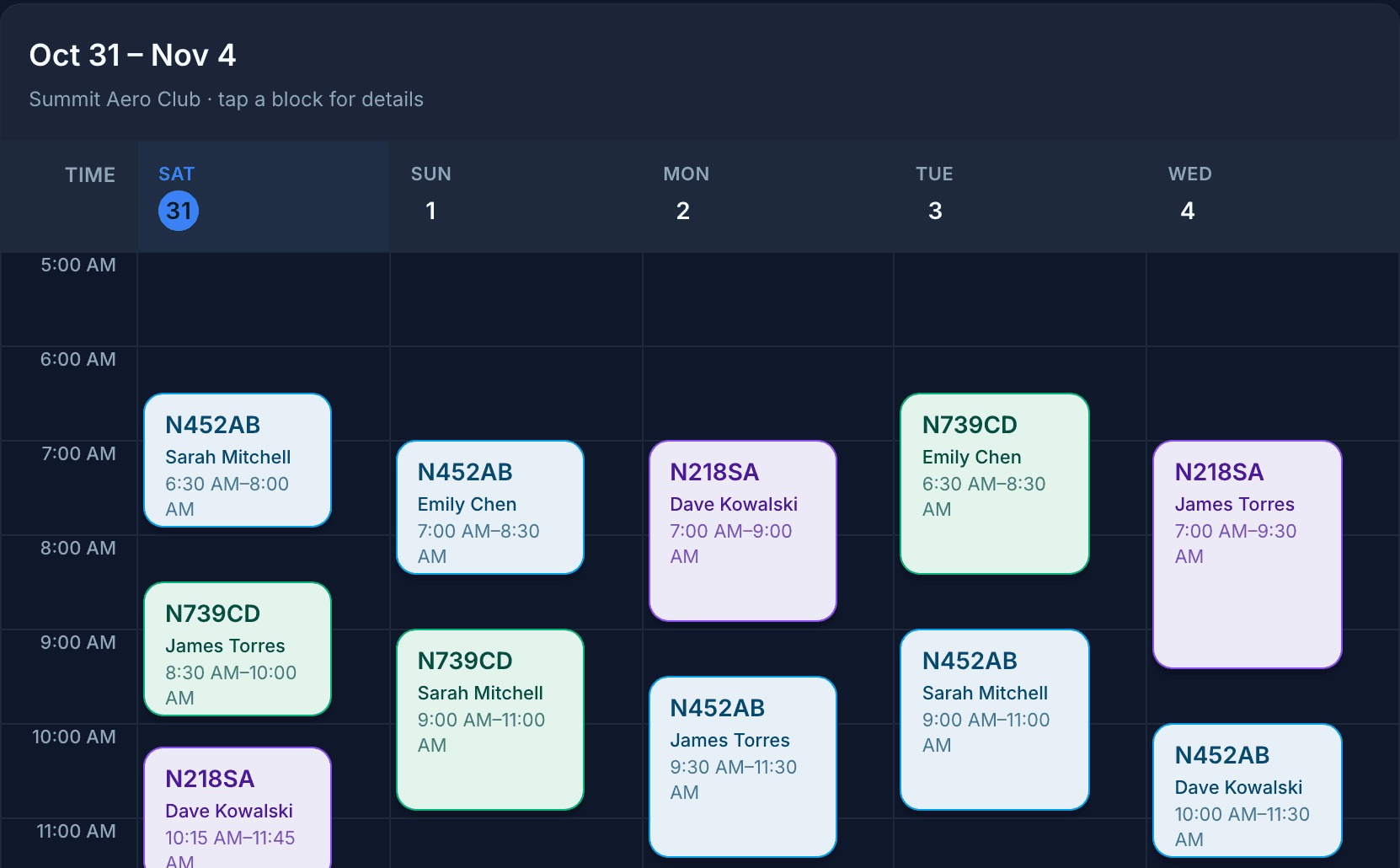
Admin console
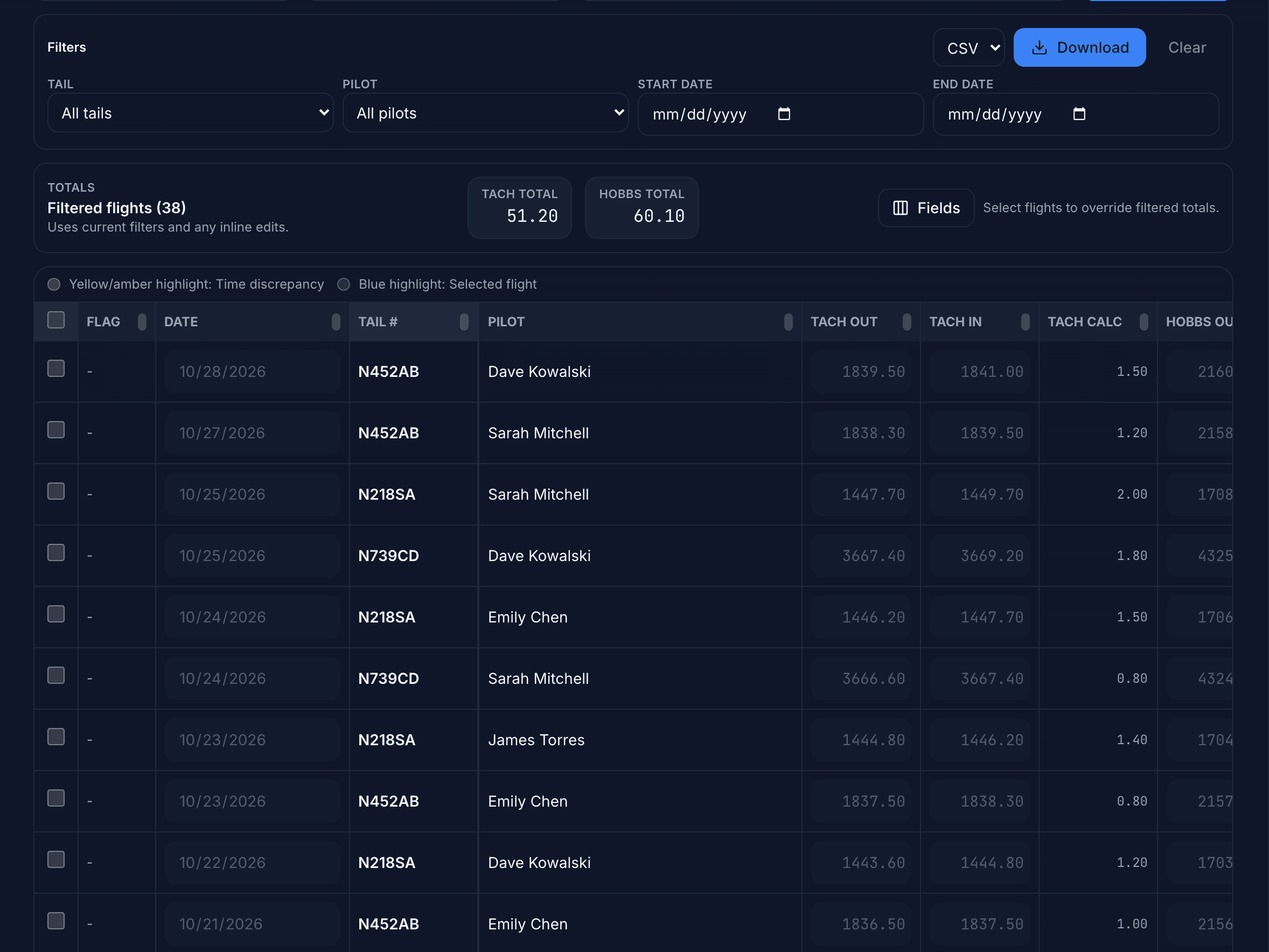
Live scheduling, members, instructors, documents, messaging, and aircraft operations.
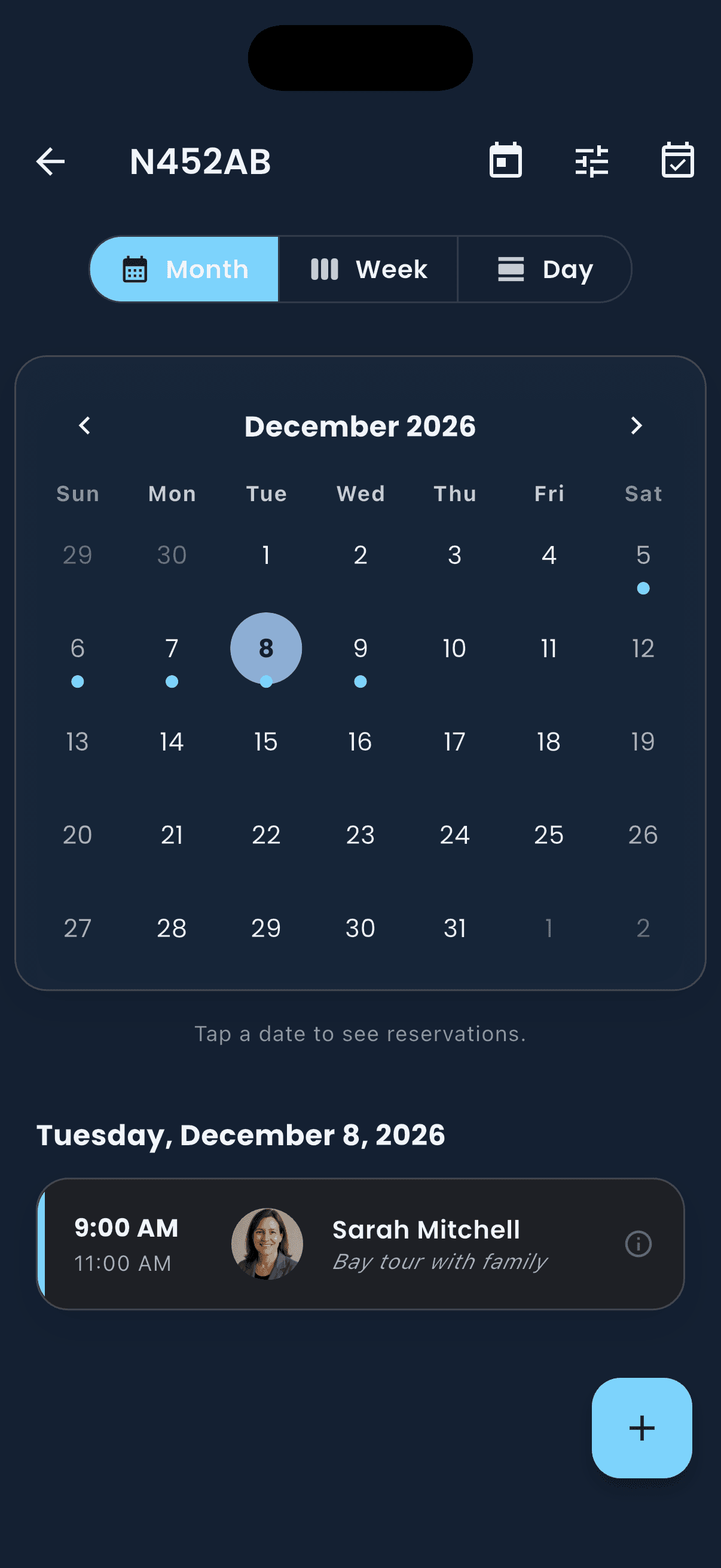
Pilot mobile app
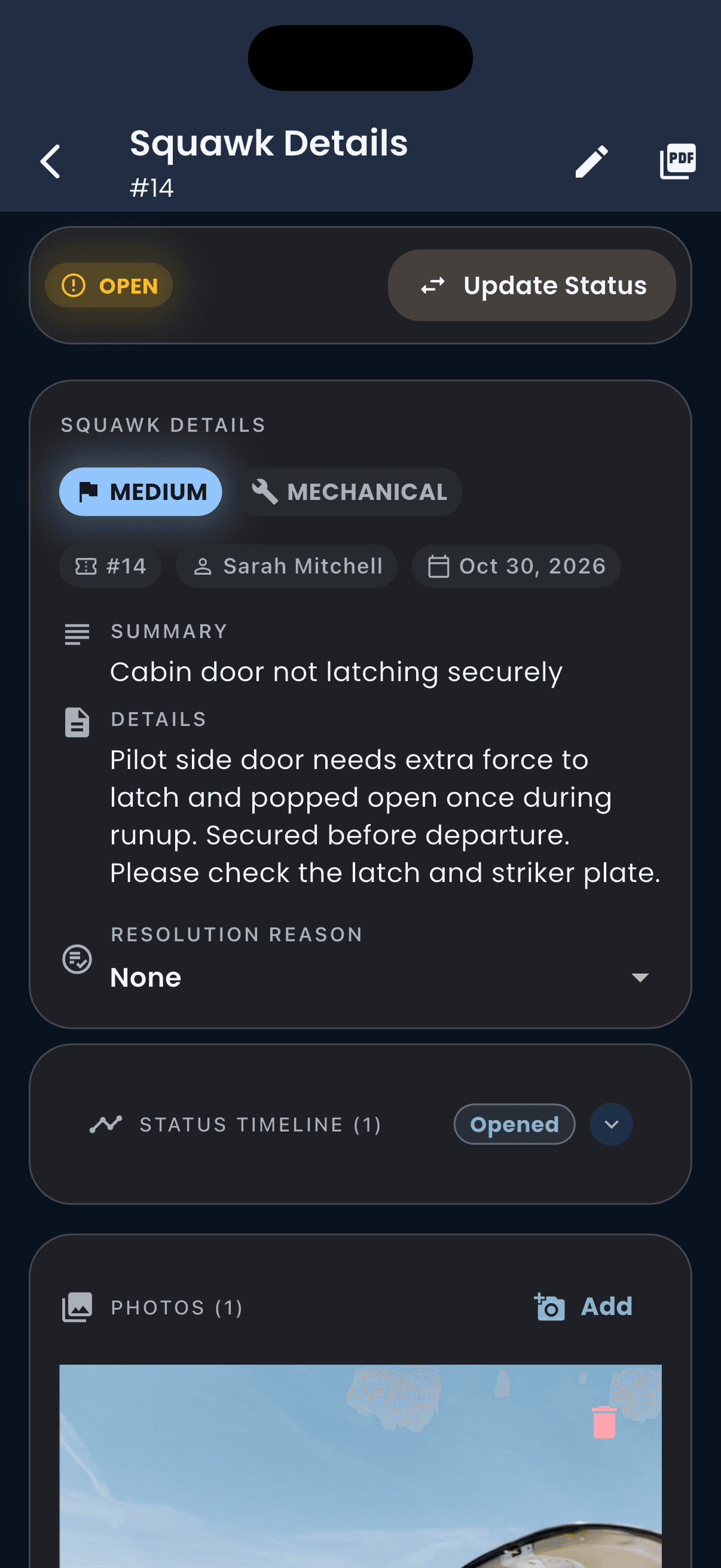
Booking, instructor connections, logging, squawks, and document uploads.


Who it's for
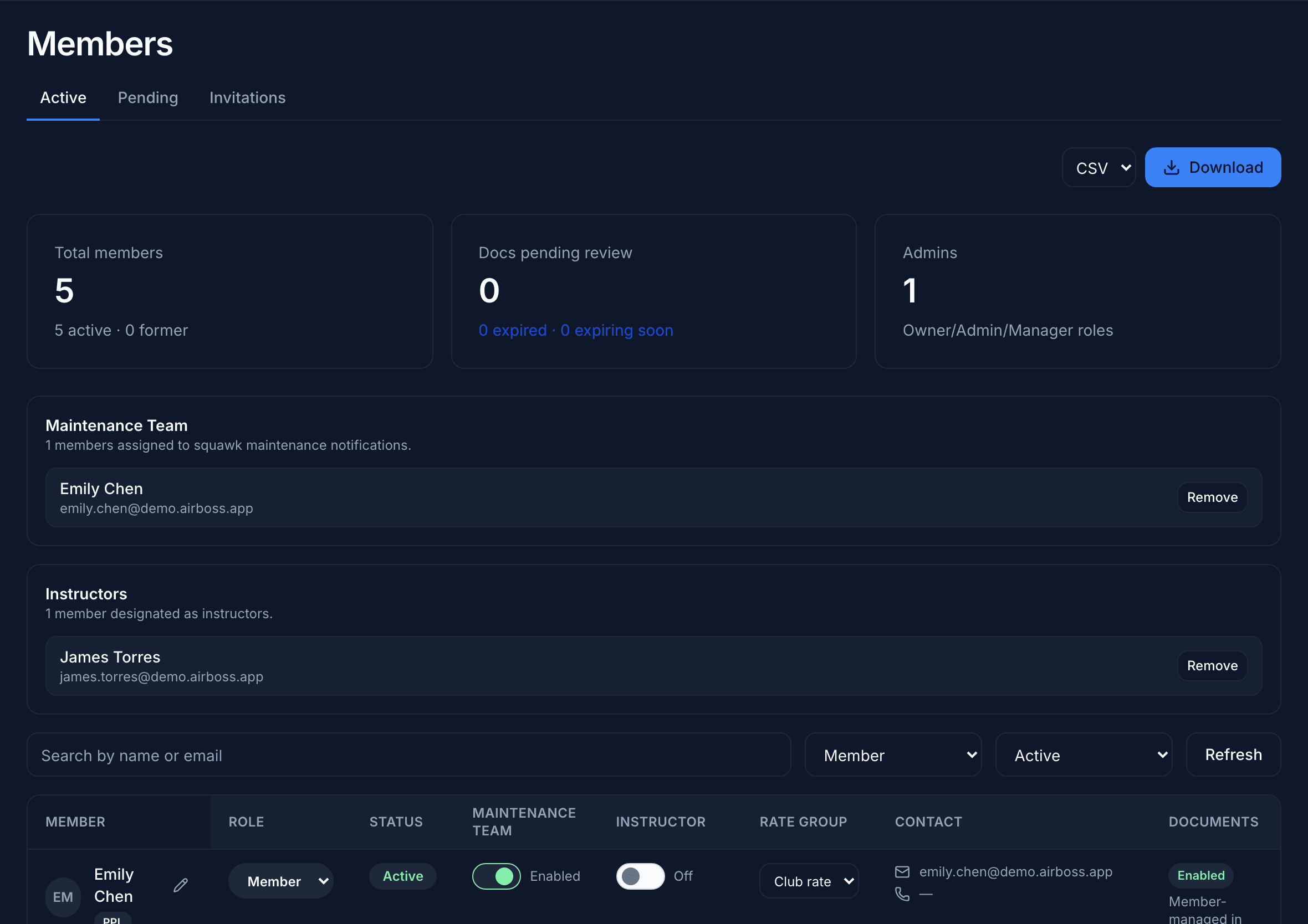
Club admins
Manage your roster, documents, aircraft airworthiness, billing context, and club messaging without switching tools.
Pilots
Book aircraft, report squawks, upload pilot documents, and log Hobbs and tach time from your phone.
Instructors
Publish your instructor profile, accept student connections, manage lesson requests, and review flight history.
From the App Store
“Finally, an app built for flying clubs that actually makes life easier. Air-Boss helps us manage scheduling, members, and aircraft without the usual back-and-forth and spreadsheet chaos. Super useful and easy to use”
“Logging flights is easy and knowing when maintenance is due is really nice to have right on my phone.”
“With air-boss I'm able to easily show who is flying what and when. On top of that getting notified in the app of when people cancel or when an aircraft is grounded is fantastic.”
Questions
Flying club decisions happen by committee. If yours has questions about fit, pricing, or setup, email support@air-boss.club and we'll reply promptly.
Pick a seat. No signup, no password.
Skyline Flying Club is a sample club. Everything you change is reset overnight.